

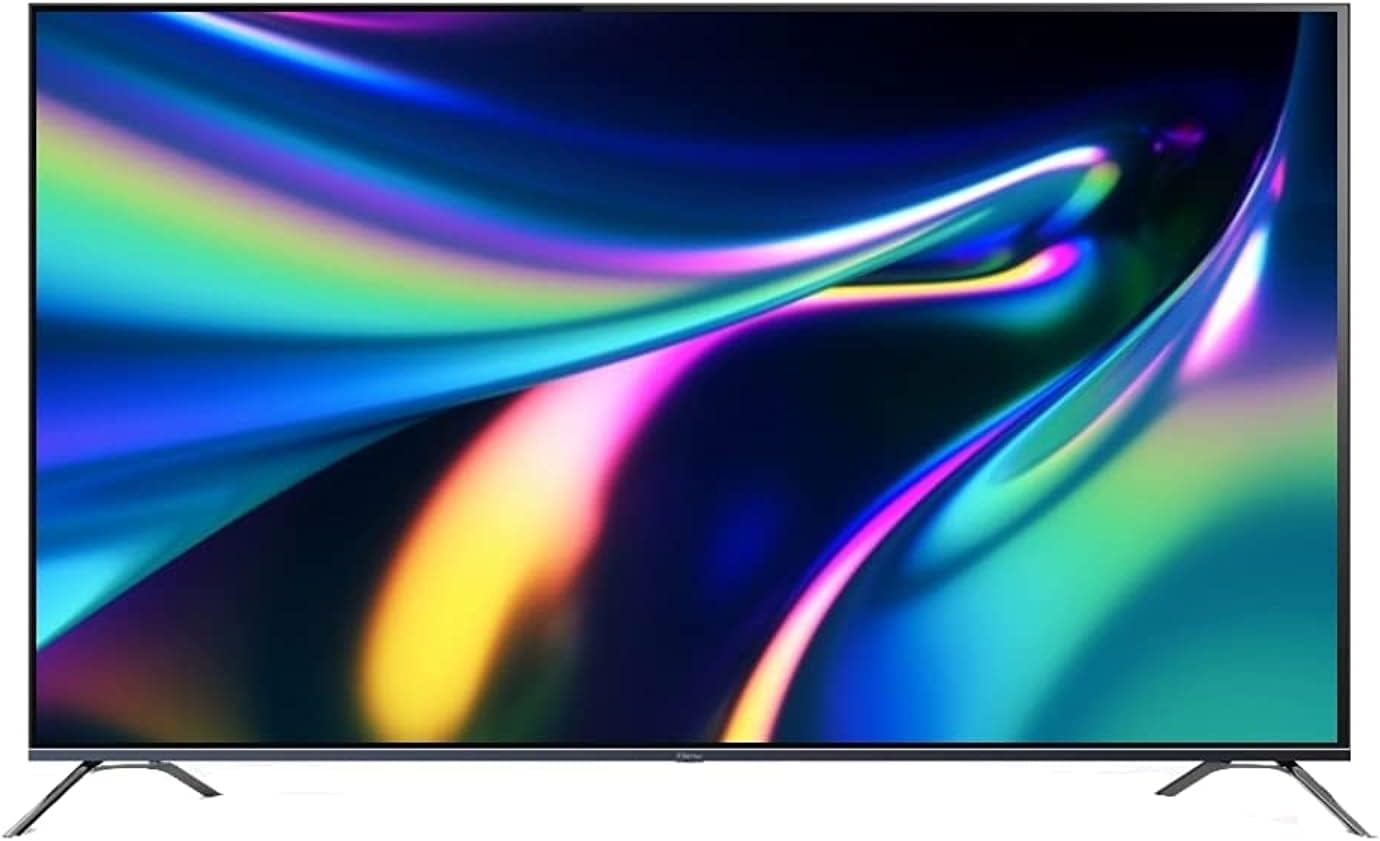
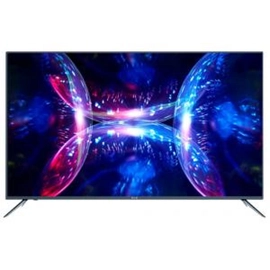
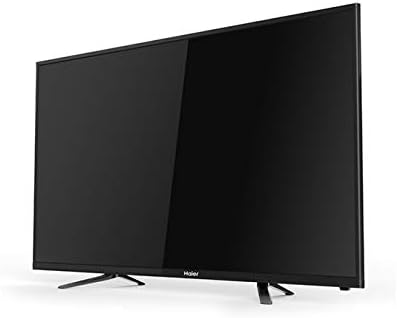
The TCL 49S6500A is a 49-inch Full HD Android Smart TV from TCL’s S6500 series. It’s part of their mid-range lineup aimed at delivering solid picture quality and smart features at an affordable price.
Here are its main specifications and features:
Display
- Screen size: 49 inches
- Resolution: Full HD (1920 × 1080 pixels)
- Display type: LED
- Micro Dimming: Adjusts brightness/darkness across image zones for better contrast
- HDR (High Dynamic Range): Enhances contrast and color accuracy
- IPQ Engine: Automatically optimizes color and brightness
- Refresh rate: 60 Hz
Audio
- Sound system: Dolby Audio
- Output: Immersive 5.1 surround sound experience
Smart Features
- Operating System: Android TV
- Google Assistant built-in: Voice control and smart home integration
- Apps: Access to Google Play, Netflix, YouTube, etc.
- Chromecast built-in: Stream content from mobile or laptop directly to the TV
Connectivity
- HDMI ports: 2
- USB ports: 1
- Wi-Fi: Yes
- Bluetooth: Available (depending on region)
Physical Specs
- Color: Black
- Dimensions (with stand): approx. 1105 × 644 × 216 mm
- Weight: ~9.8 kg
- Voltage: 100–240 V
Additional Features
- Slim design with narrow bezels
- Sports Mode: Enhances sound and video clarity during fast-motion scenes
- Energy-efficient LED panel
You can see more details on the official TCL site at tcl.com and examples of listings on Amazon Egypt and HNAK.com.
Would you like a comparison between this model and a newer TCL TV (for example, a 4K version)?
If you’re looking for firmware for TCL 49S6500A, here’s the reality first:
⚠️ Important (official vs unofficial)
- On the official TCL support pages, there are usually no downloadable firmware files listed publicly for this model. (TCL)
- TCL mainly pushes updates via OTA (internet update) or through service centers.
✅ Official way (recommended)
Try this first on your TV:
- Go to Settings → Device Preferences → About → System Update
- Check for updates online (OTA)
If nothing shows, you can check TCL support:
⚙️ Unofficial firmware (manual USB update)
There are firmware files floating online for similar models like L49S6500 / S6500 series:
- Example firmware version:
- V8-R41KT01-LF1V180 (Android TV based) (Kazmi Elecom)
Typical installation method:
- Download firmware (.img or zip)
- Copy to USB (FAT32 or NTFS)
- Insert USB into TV
- Use:
- Local update from settings
or - Forced update (hold power button + plug in)
- Local update from settings
⚠️ Big warning (don’t skip this)
- Firmware must match:
- Exact model (49S6500A vs 49S6500)
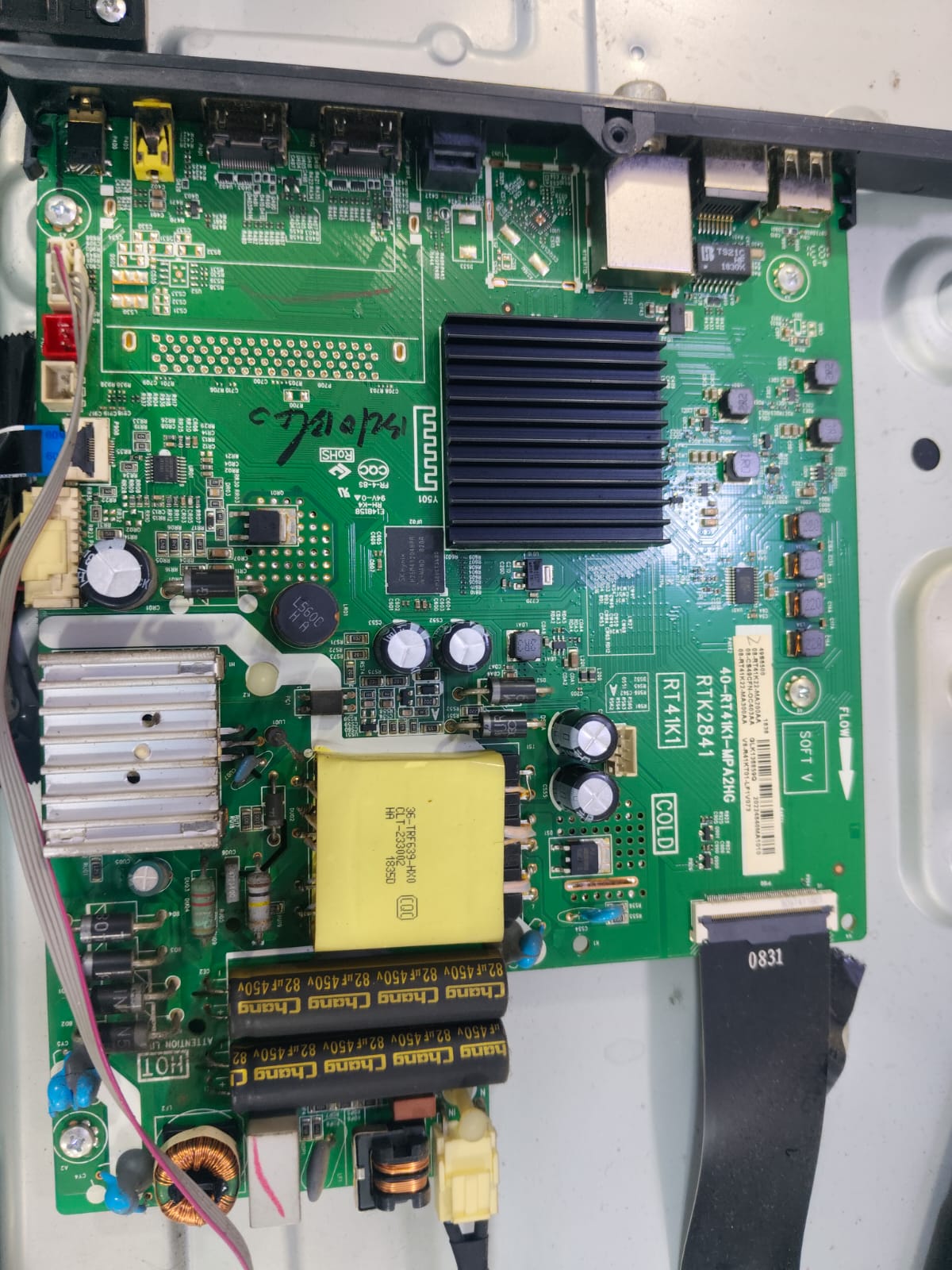
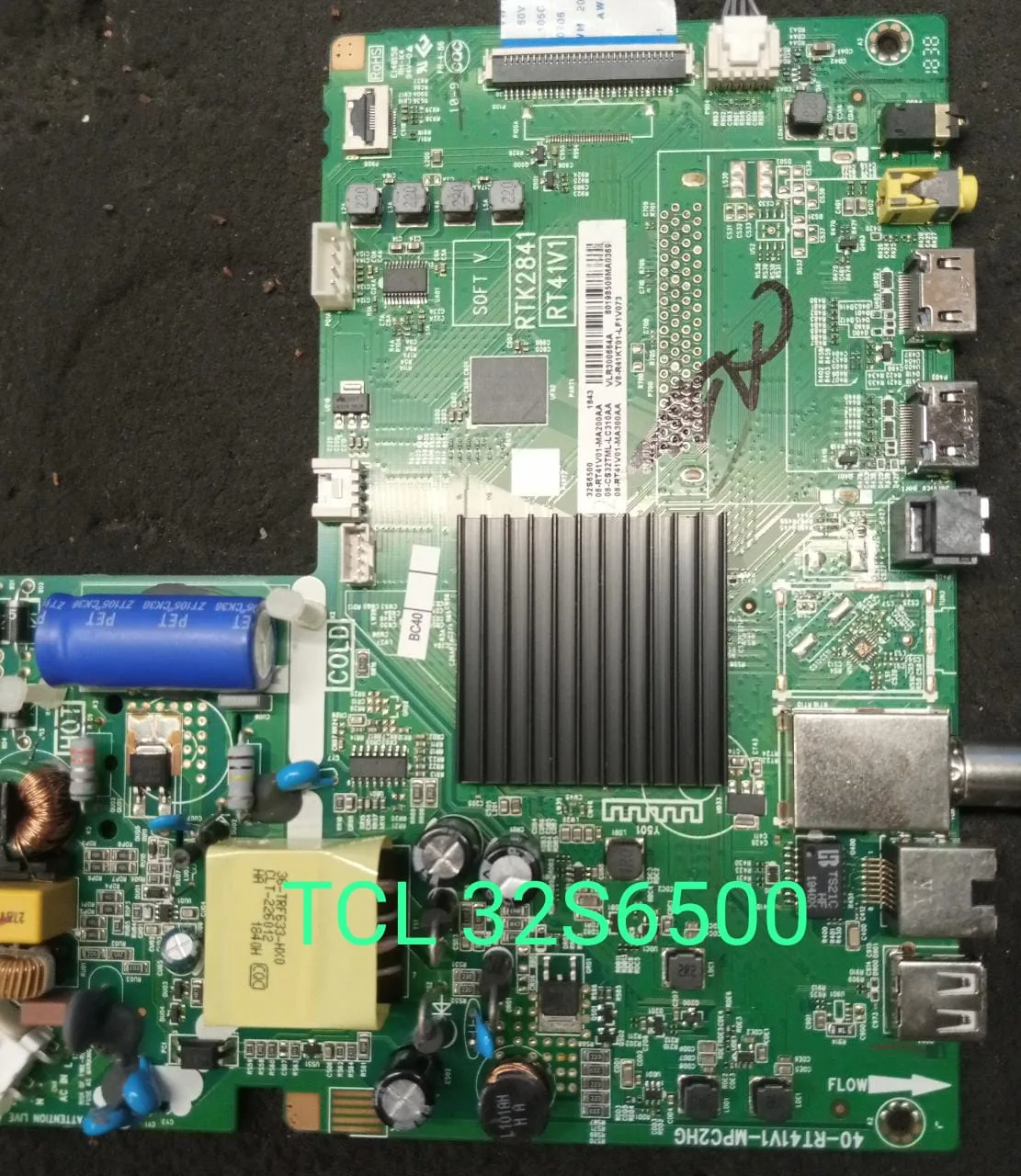
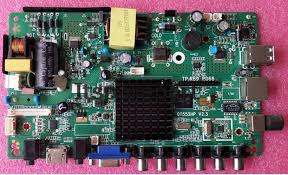
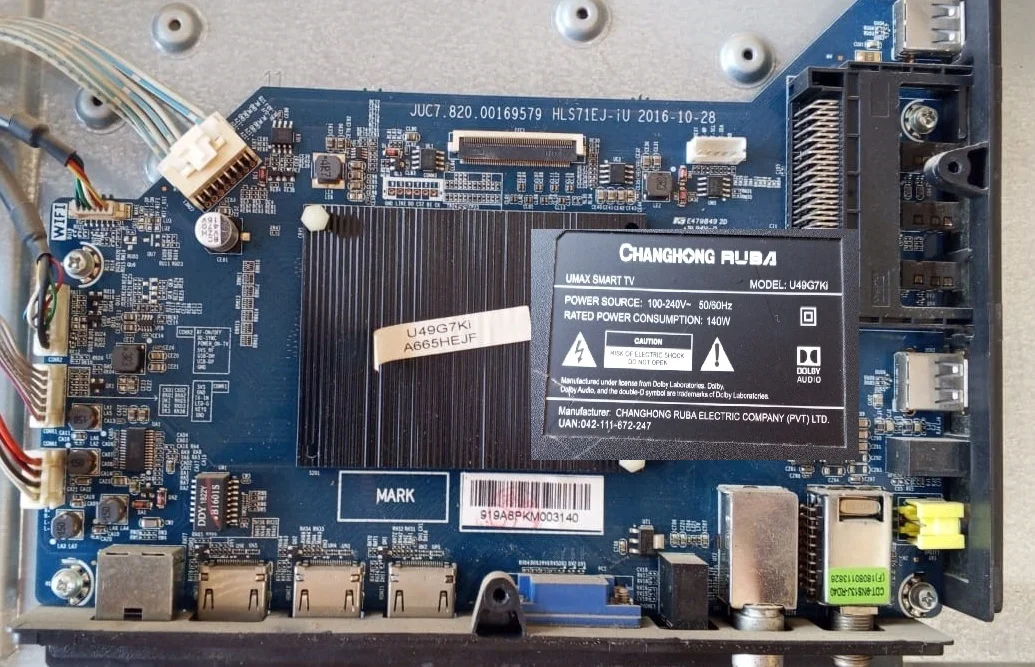
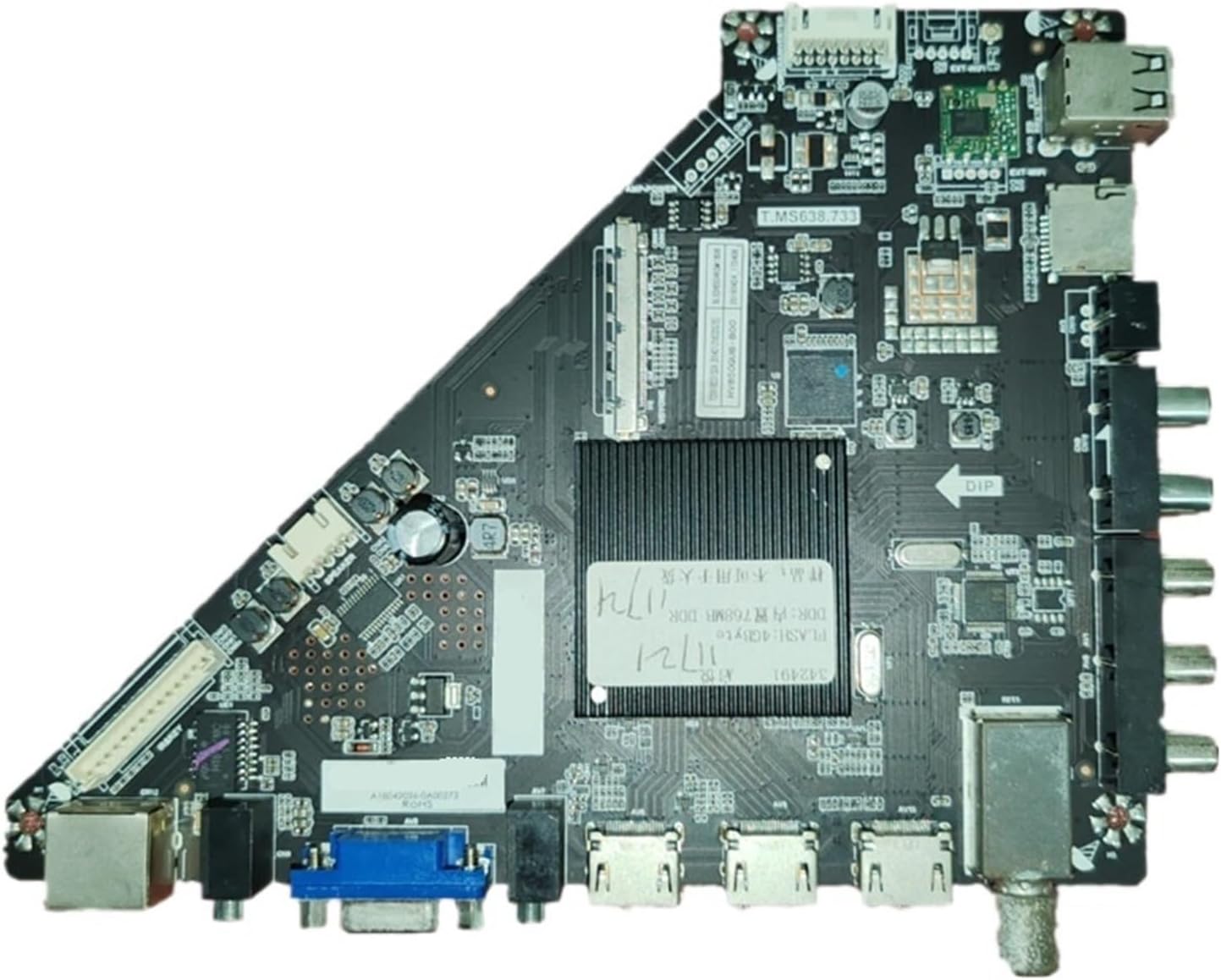
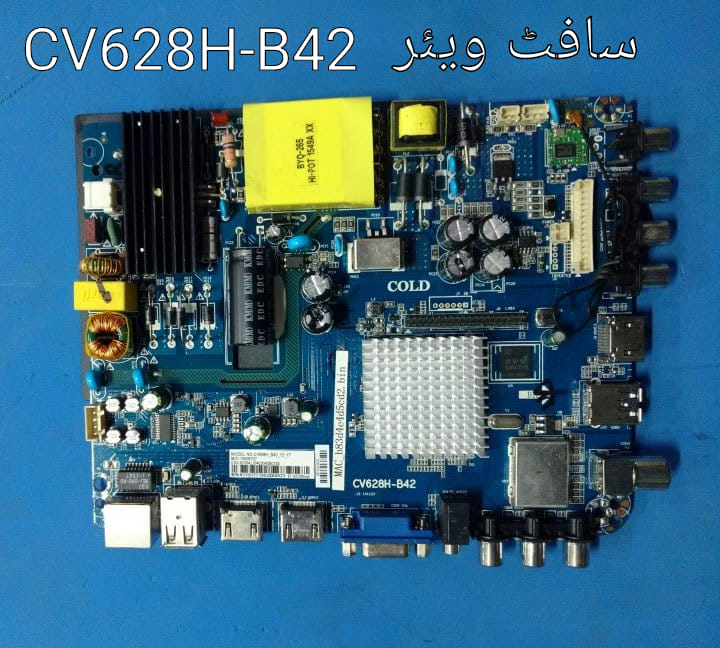
- Chassis / board (e.g., RT41KT1-AP) (Kazmi Elecom)
- Wrong firmware can:
- Brick your TV
- Cause bootloop or no display
💡 Reality check (based on user reports)
From community discussions:
- Many people struggle to find correct firmware
- TCL doesn’t clearly publish files publicly
- Some firmware sources are unofficial (Telegram/forums) and may be risky
✔️ Best approach
- ✔ Try OTA update first
- ✔ If TV is broken (bootloop, stuck logo):
- Send me:
- Exact full model (e.g., 49S6500A vs 49S6500-PK)
- Issue (stuck, dead, etc.)
- I can help find the correct matching firmware safely
- Send me:
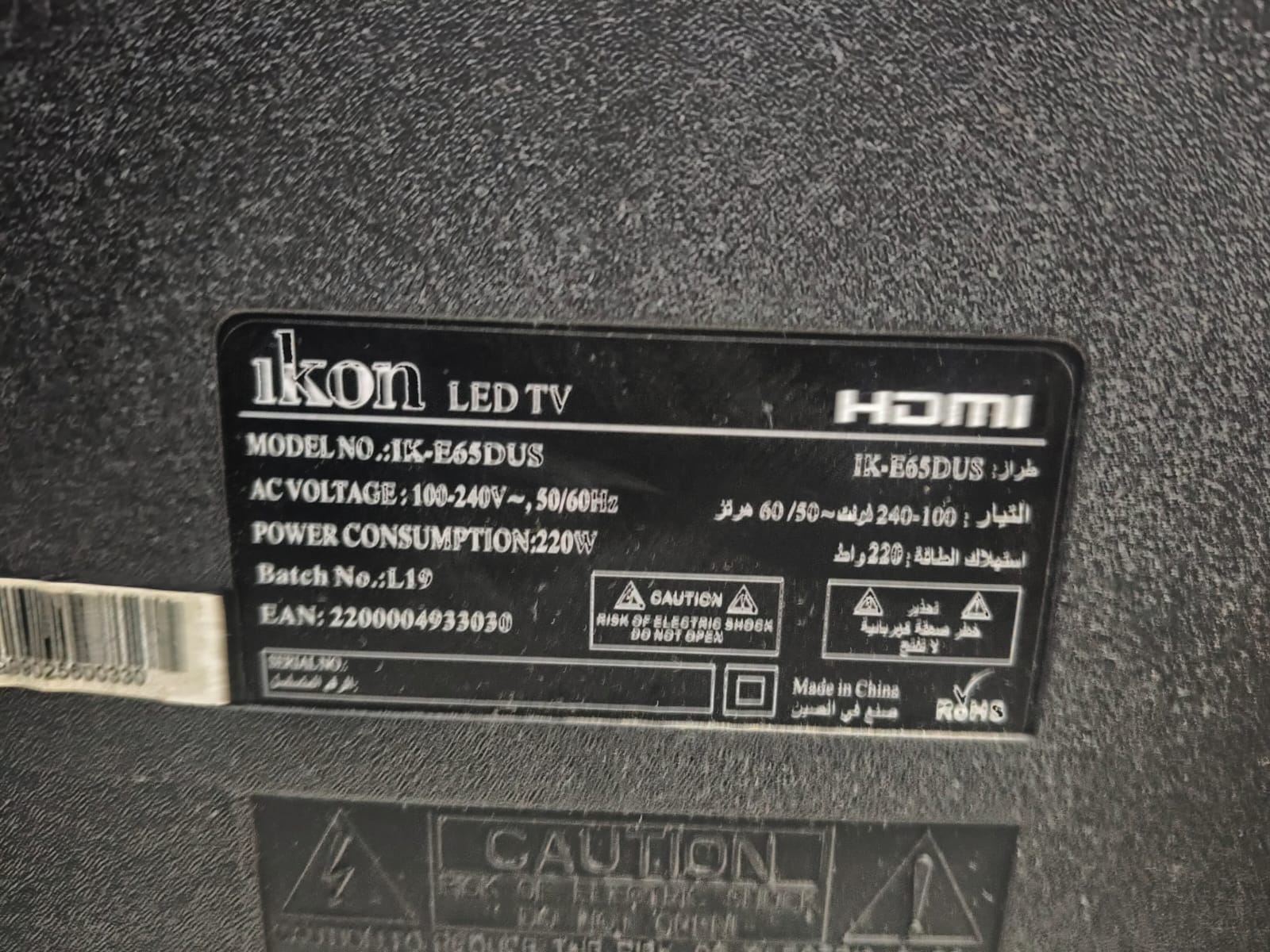
If you want, I can locate a direct working download link specifically for your exact variant—just confirm your full model number from the sticker on the back.

Leave a Reply