
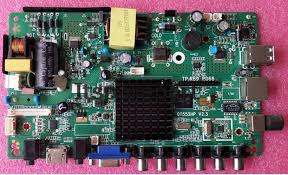
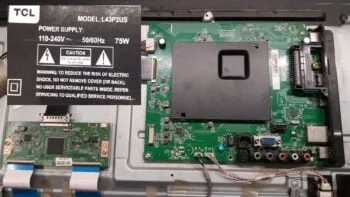
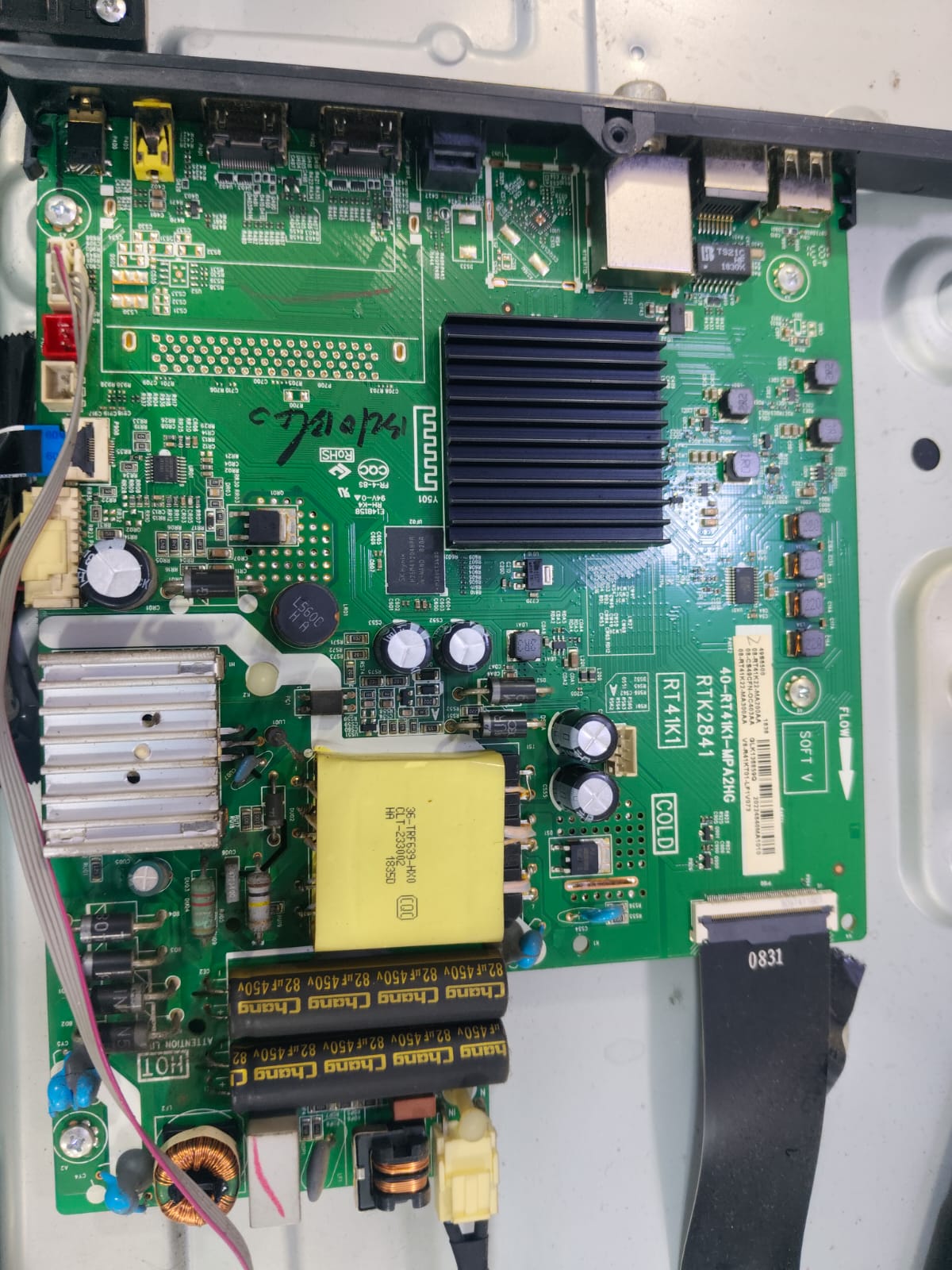
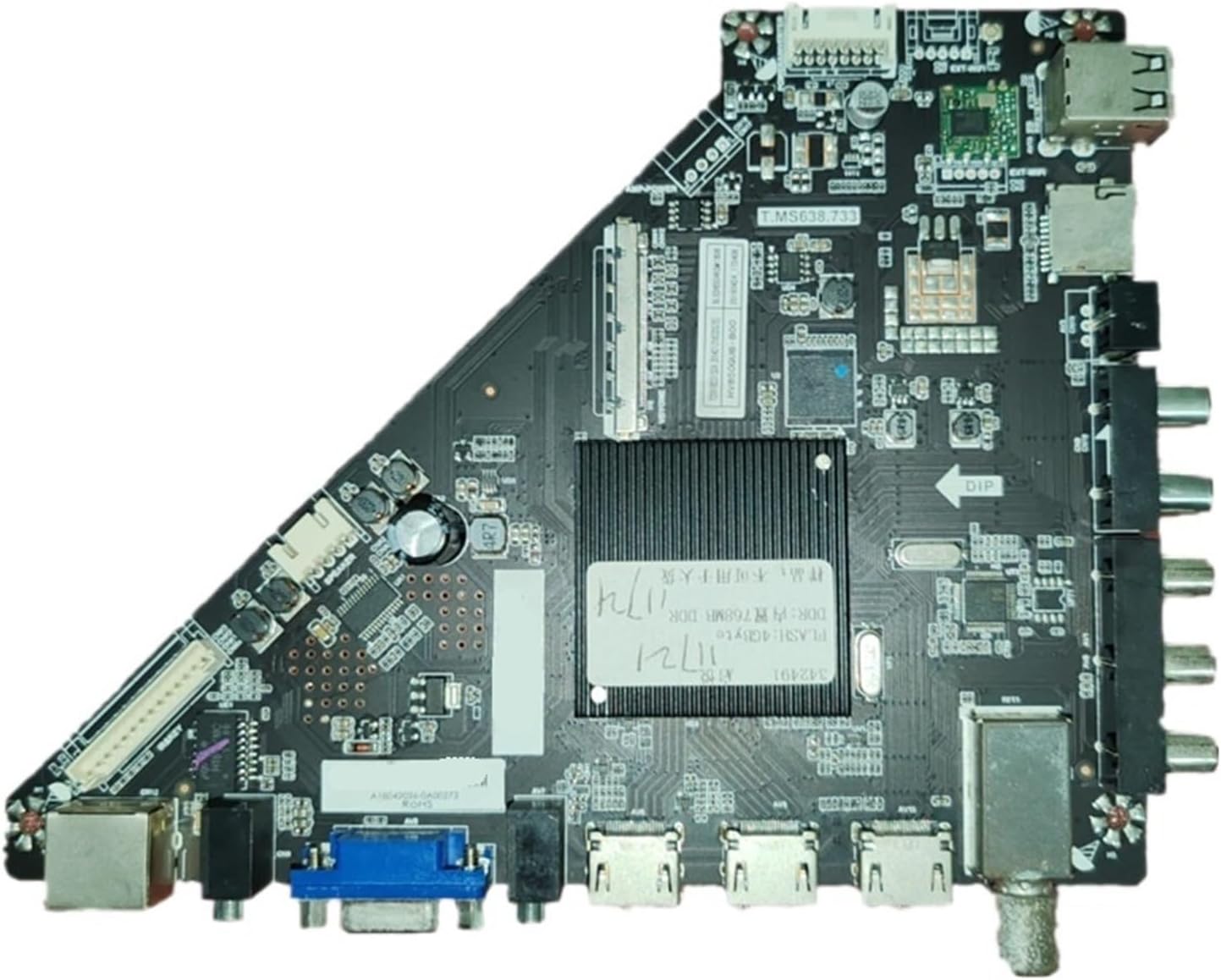
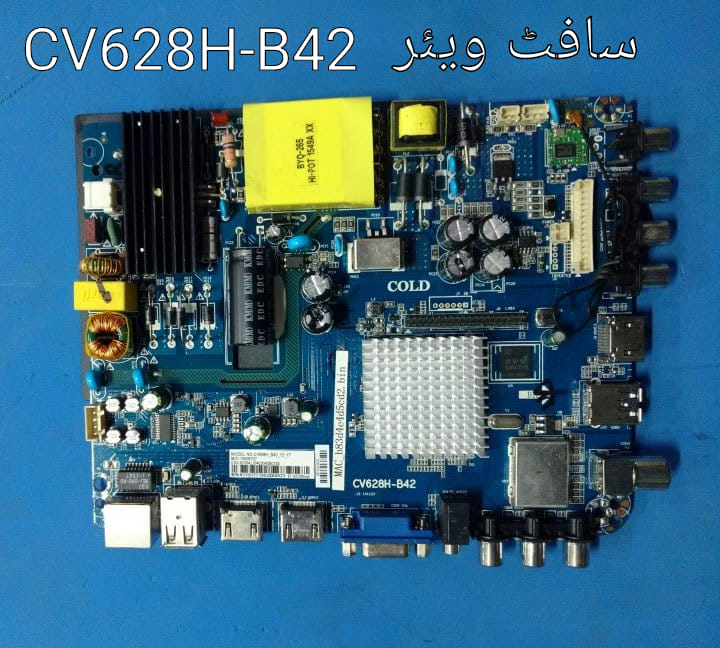
The TP.R69 PD66-QT552HP is a universal “three-in-one” smart network motherboard frequently used in 32-inch and 40-inch LED televisions. This board integrates the power supply, LED driver, and TV mainboard into a single unit, making it a common choice for budget-friendly smart TVs like those from Royalstar.
Core Specifications
- Motherboard Type: Smart Universal Network Board.
- Resolution Support: Primarily configured for HD Ready ($1366 \times 768$) or Full HD ($1920 \times 1080$) panels.
- Operating System: Typically runs on an Android-based platform, allowing for built-in Wi-Fi and app support.
- Connectivity:
- USB: 2 ports for media playback and essential firmware updates.
- HDMI: Multiple inputs for high-definition external devices.
- Internet: Includes both built-in Wi-Fi and an RJ45 Ethernet port. [1, 2]
Technical Troubleshooting
If you are searching for this motherboard string, it is often related to software recovery or panel adjustment.
- Service Menu Code: To access the internal factory settings for panel adjustments (like Mirror or Resolution), use the following remote sequence:
- Menu + 1147
- Menu + 2580 (alternate)
- Firmware Recovery: For TVs stuck on the boot logo, you will need a
.binfirmware file specifically for the TP.R69 PD66-QT552HP and your panel’s resolution. This is typically flashed via a FAT32-formatted USB drive by holding the power button while plugging the TV into power. - Panel Compatibility: It is often paired with common panels like the HV320WHB-N80. [1, 3, 4, 5]
Finding Parts & Software
- Replacement Boards: These are widely available on global marketplaces like eBay and Shopee.
- Firmware Archives: You can often find community-shared firmware for this specific board on Worldstvsoft or specialized Telegram channels. [6]
Are you currently trying to fix a “stuck on logo” issue, or do you need the service menu to adjust a mirrored screen?

Leave a Reply