

TCL 32S6500S Firmware Download and Update Guide (2026)
Overview
The TCL 32S6500S is a popular 32-inch Smart TV from TCL’s S6500 series. Firmware updates are important because they improve system stability, fix software bugs, enhance performance, and sometimes add new features.
TCL 32S6500S Firmware Information
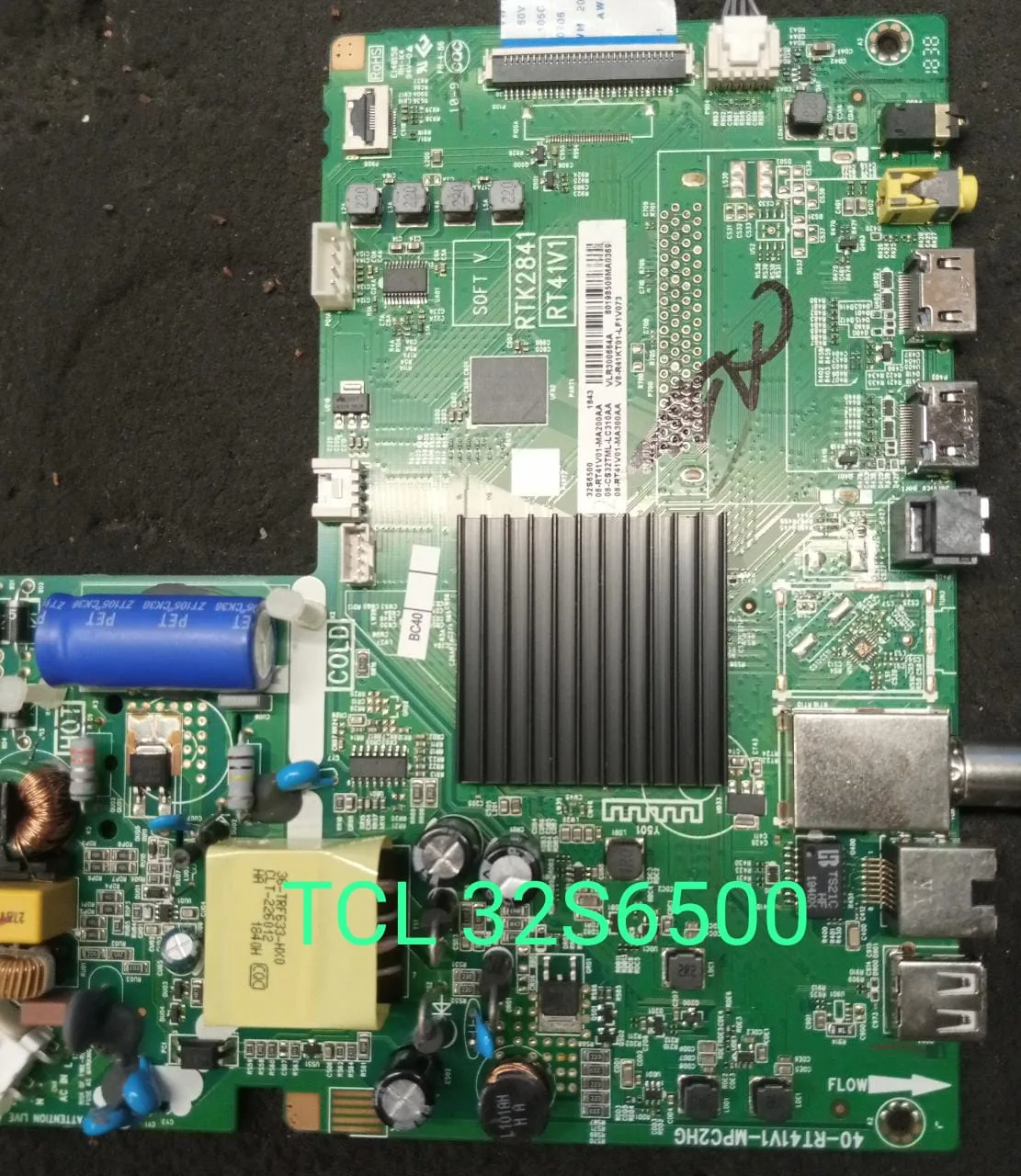
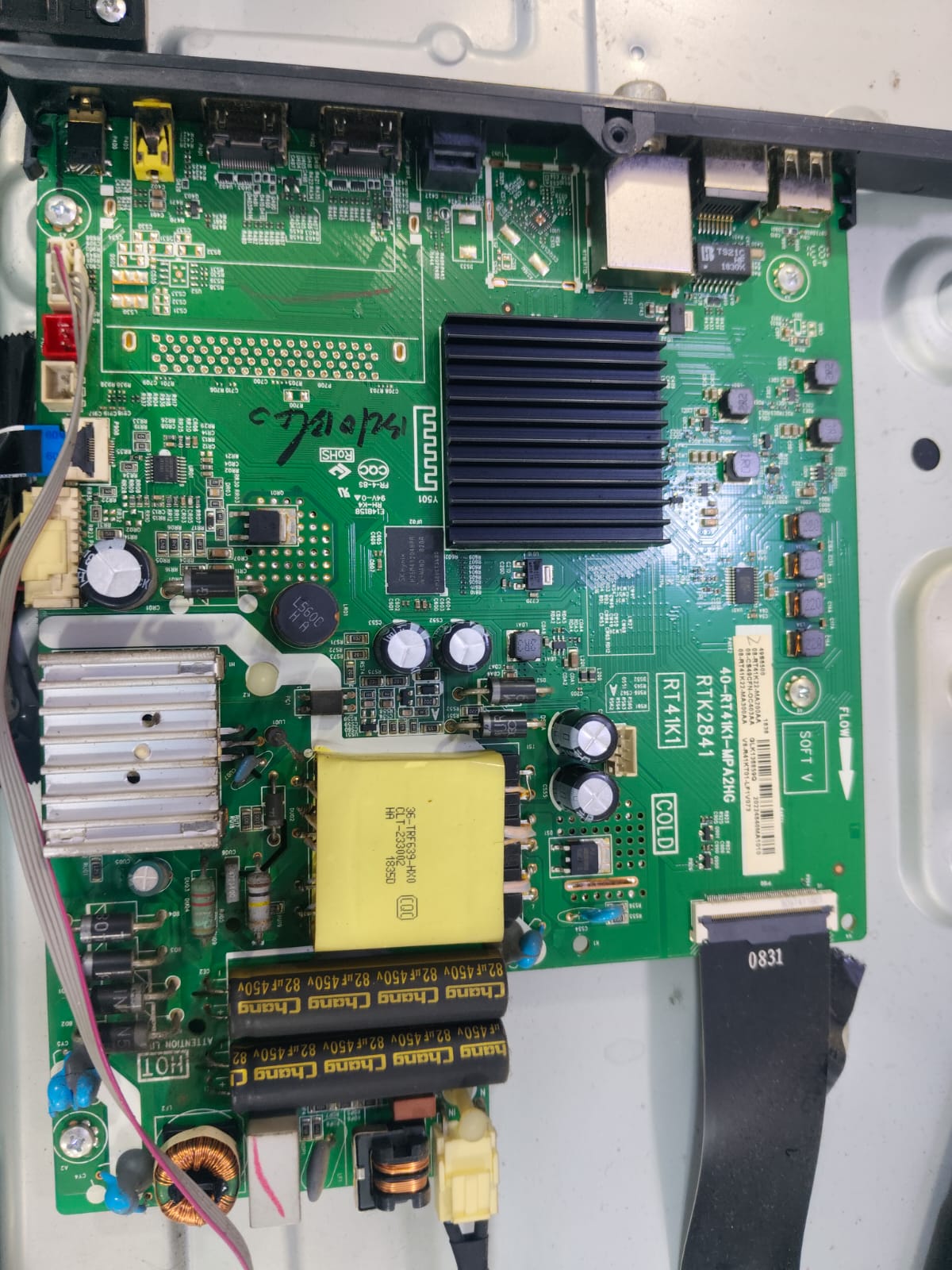
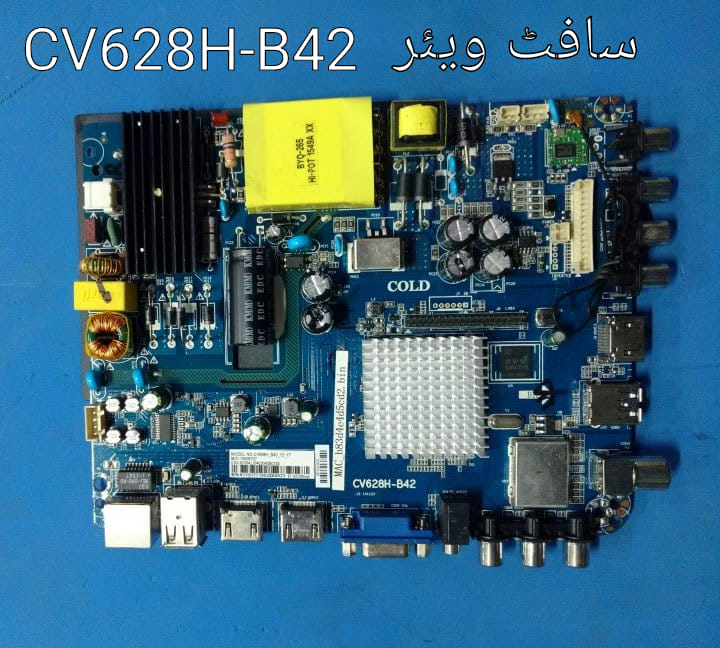
Before downloading firmware, verify the exact model number and mainboard version. Different hardware revisions may require different firmware packages.
Common hardware information reported for this model includes:
- Model: TCL 32S6500S
- Series: S6500
- Chassis: RT41
- Storage: 8GB eMMC
- Operating System: Android TV (varies by region)
- Resolution: HD Ready 1366×768 or Full HD variants depending on market version.
Benefits of Updating Firmware
- Fixes boot-loop and logo-stuck issues
- Improves Wi-Fi and network stability
- Enhances app compatibility
- Improves overall system performance
- Updates security patches
How to Update TCL 32S6500S Firmware
- Download the correct firmware for your exact model and mainboard.
- Format a USB drive to FAT32.
- Copy the firmware file (usually
update.imgorinstall.img) to the USB drive. - Turn off the TV and unplug the power cord.
- Insert the USB drive into the TV.
- Press and hold the TV power button.
- Reconnect power while holding the button until the update process starts.
- Wait for the installation to complete and do not disconnect power.
Important Notes
- Always back up the original firmware when possible.
- Installing the wrong firmware may cause the TV to malfunction.
- Verify the chassis and software version before upgrading.
- Use firmware only from trusted sources or official TCL support channels whenever available. Community reports indicate that incorrect firmware versions can lead to update failures or boot issues.
Specifications
The TCL 32S6500S features a 32-inch display, LED backlight technology, dual speakers with 16W audio output, HDMI connectivity, USB media playback, and Smart TV functionality depending on the regional variant.
Conclusion
Keeping your TCL 32S6500S firmware updated helps maintain stable performance and can resolve common software-related problems. Always confirm your TV’s model, chassis, and current software version before installing any firmware package.

Leave a Reply