

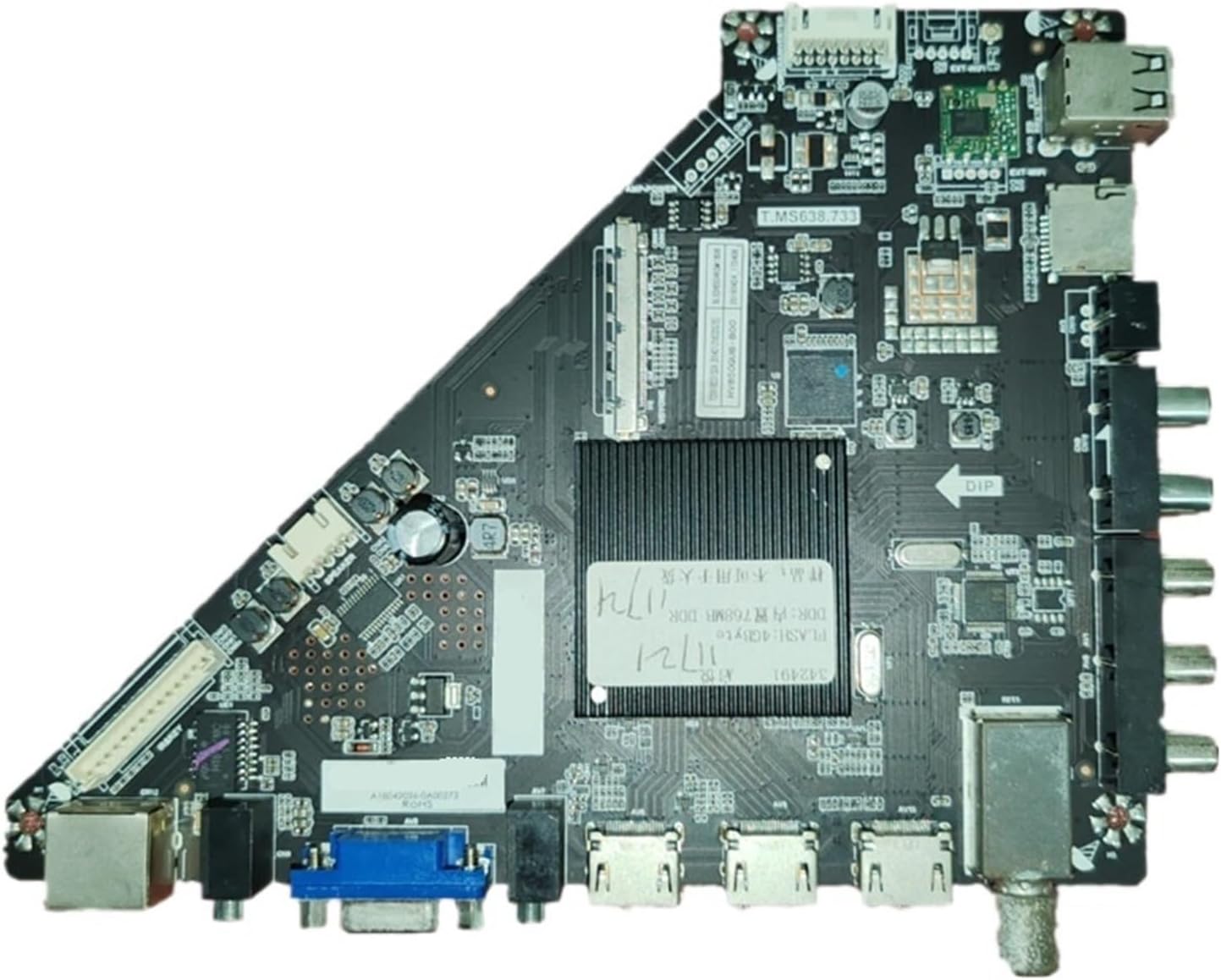
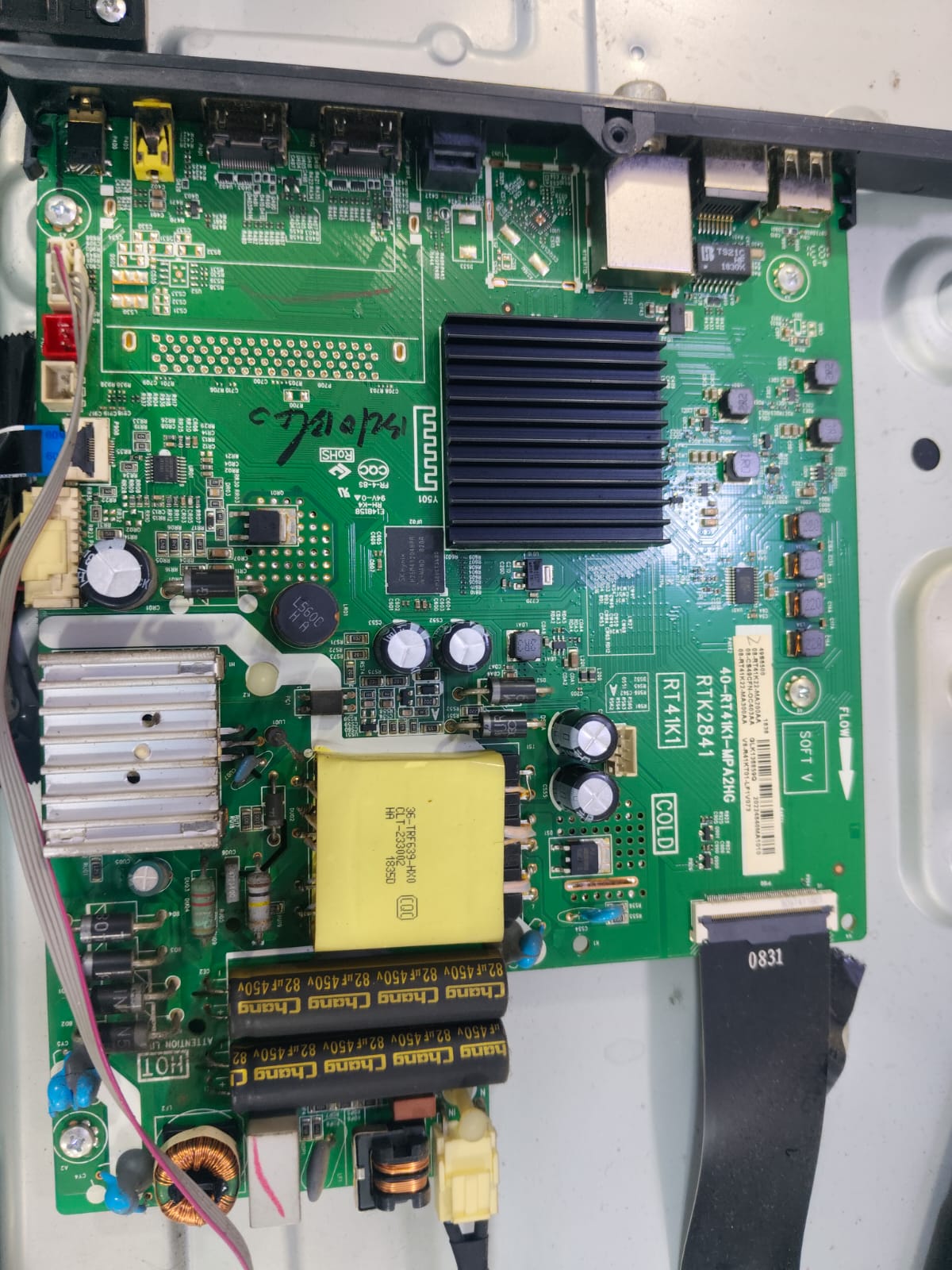
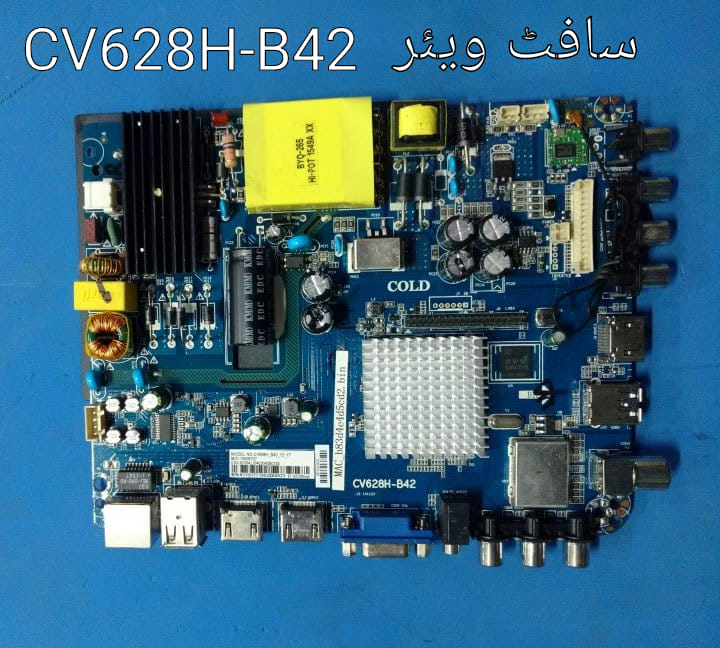
The T.MS638.733 motherboard is a high-performance 4K “three-in-one” smart TV mainboard commonly used in 55-inch to 65-inch UHD televisions. It is designed specifically to drive panels with a 3840 x 2160 resolution and includes built-in Wi-Fi and Android support. [1, 2, 3]
Technical Breakdown: T.MS638.733 (4K)
- Resolution Support: Native 4K UHD ($3840 \times 2160$).
- Hardware Architecture: Typically features a dual-core or quad-core processor and is built to handle the heavy decoding requirements of 4K video.
- Connectivity: Integrated Wi-Fi for network features, alongside multiple HDMI and USB inputs.
- Compatible Panels: Often found paired with 4K panels like the HV650QUB-B00 or T650QVN04.3. [1, 3, 4, 5]
Firmware Installation (USB Method)
If your TV is stuck on the boot logo or has a blank screen, you likely need a firmware refresh. [6]
- Sourcing the File: You will need a firmware file (typically named
allupgrade_ms638_sos.binor similar) that matches both this board and your specific 4K panel. - Format USB: Use a USB drive (under 16GB) formatted to FAT32.
- Transfer File: Copy the
.binfirmware file directly to the root directory (not inside any folders). - Flashing Process:
- Unplug the TV from power.
- Insert the USB drive.
- Press and hold the physical Power button on the TV.
- Plug the TV back in while continuing to hold the button. The standby LED should begin flashing rapidly, indicating the update is in progress.
- Do not turn off the TV until it restarts automatically, which usually takes 5 to 10 minutes. [7, 8, 9, 10, 11]
Service Menu Codes
If the TV is functional but you need to adjust panel settings (like resolution or mirror mode), you can access the service menu using these common codes:
- Menu + 1147 (most common for universal/Chinese boards)
- Menu + 2580
- Source + 2580 [12, 13, 14]
For further assistance, you can find technical resources and firmware archives on community sites like Worldstvsoft. [15]
Are you currently trying to recover a TV stuck on the logo, or are you looking for a resolution toggle within the service menu?

Leave a Reply