

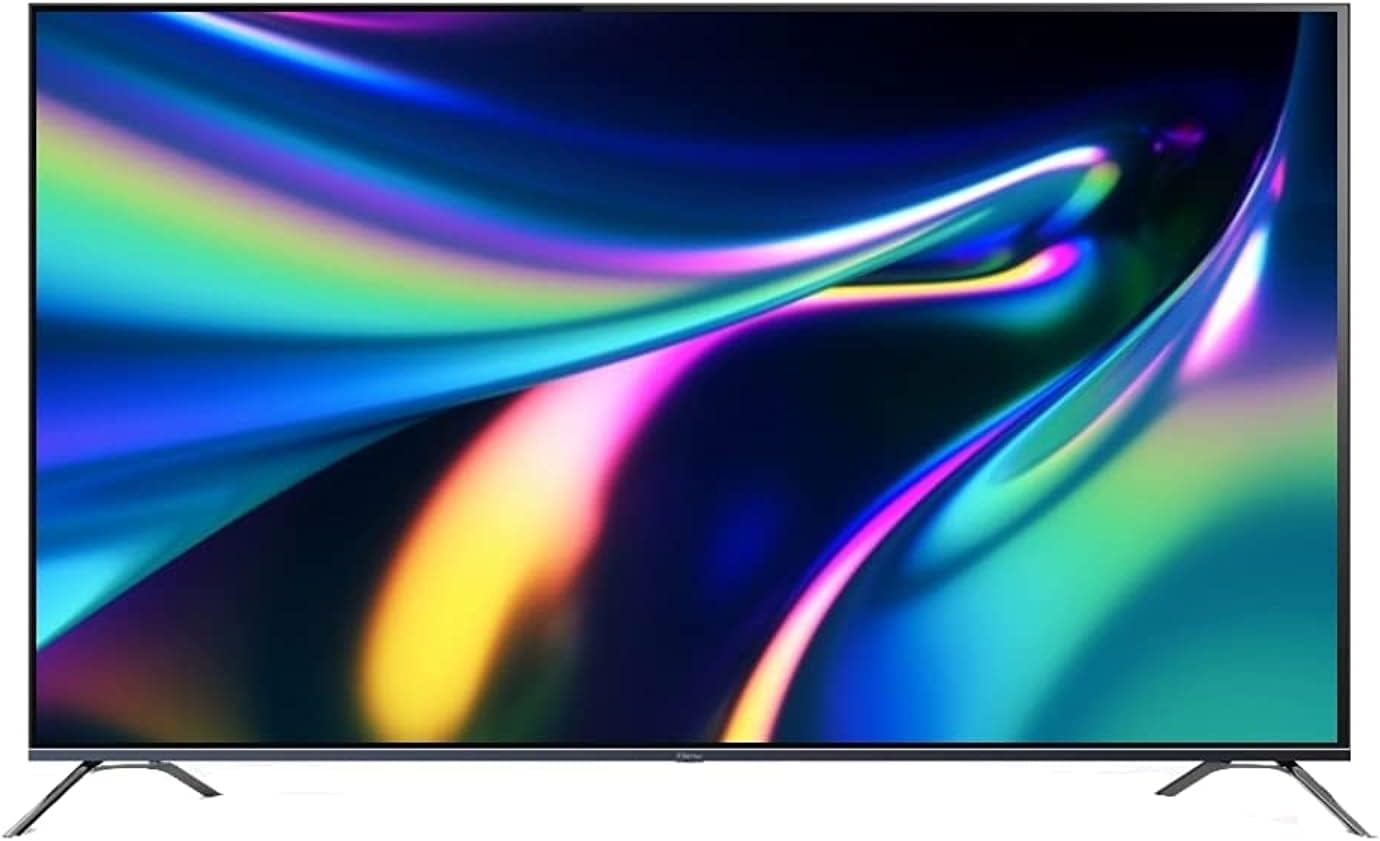
The TCL L55D2740 and TCL L48D2730 are part of an older generation of Full HD Smart LED TVs. These models are built on a similar hardware platform, specifically using the MT56B-AP chassis, which makes their internal systems and repair procedures very similar.
Common Features
- Resolution: Both models feature a Full HD resolution ($1920 \times 1080$ pixels), providing crisp visuals for standard broadcast and streaming.
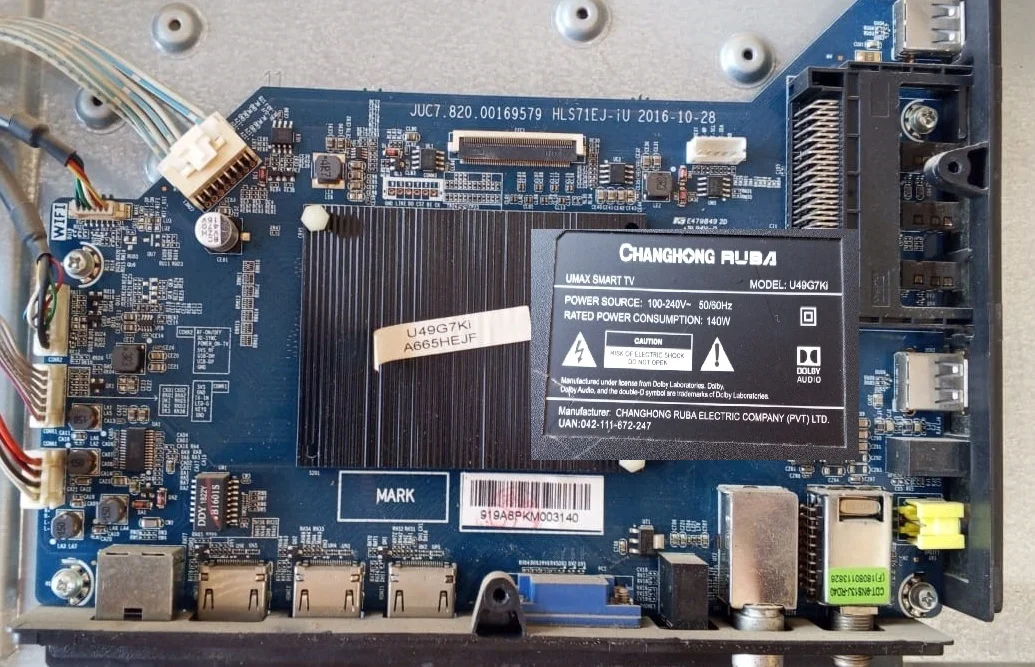
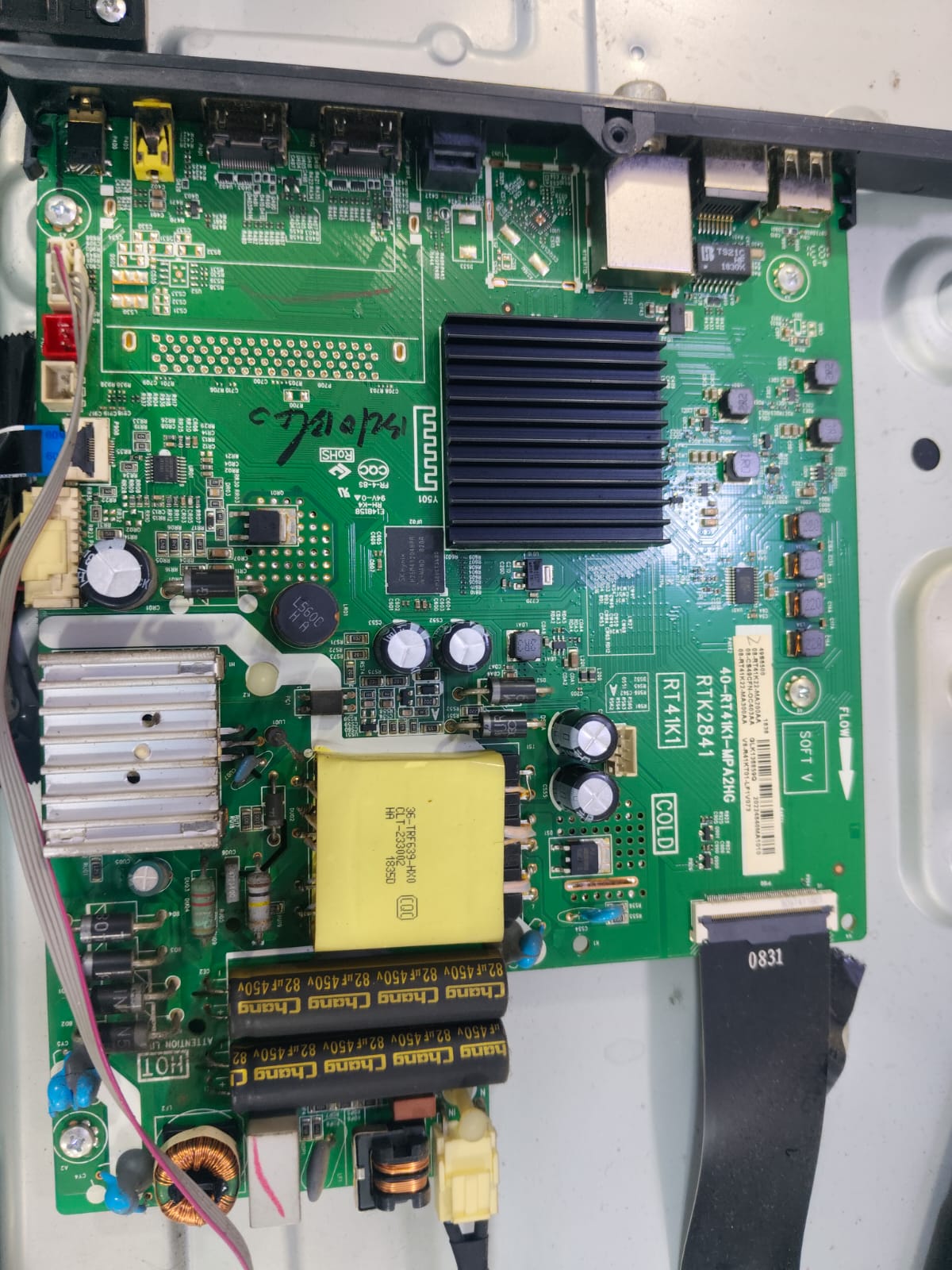
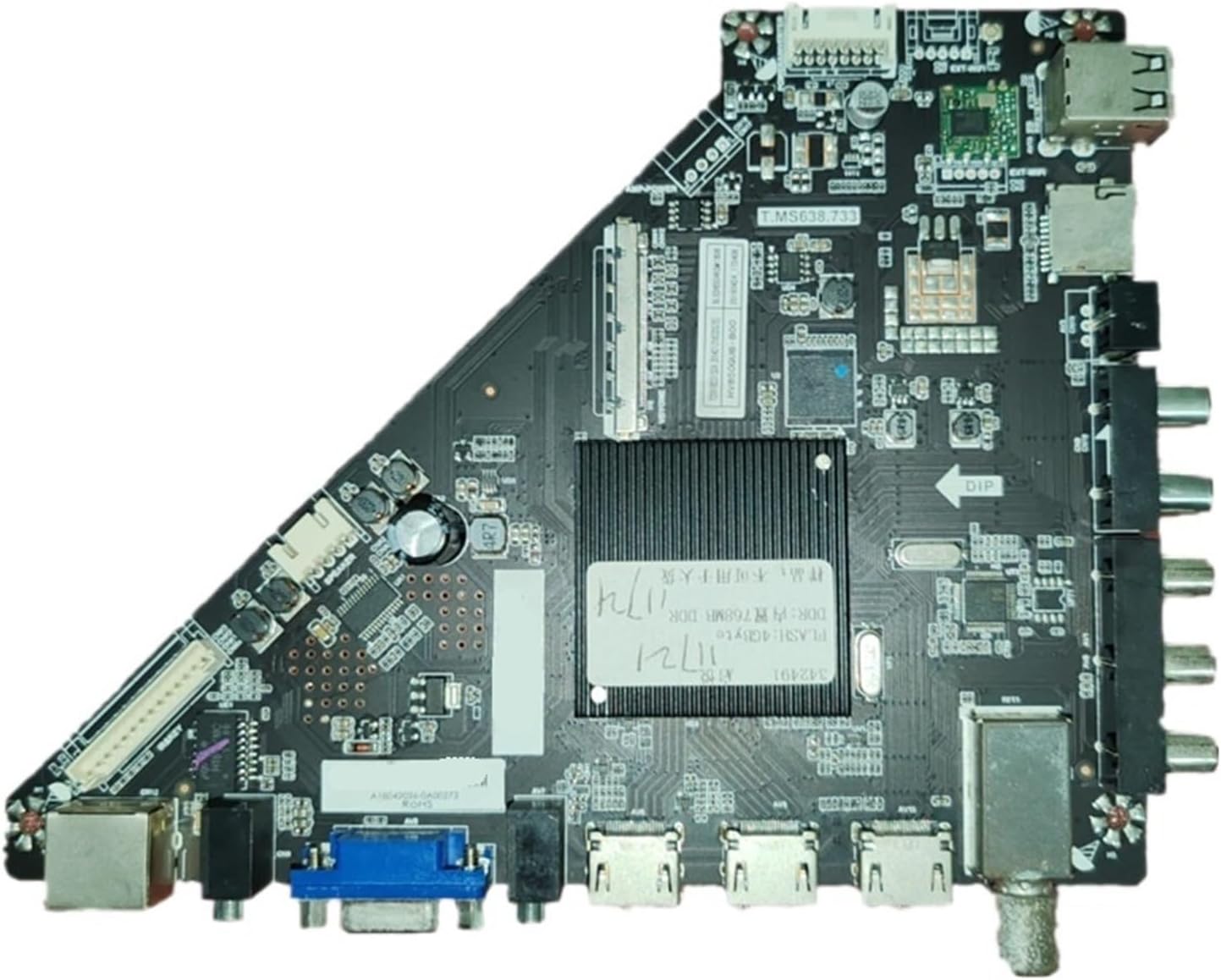
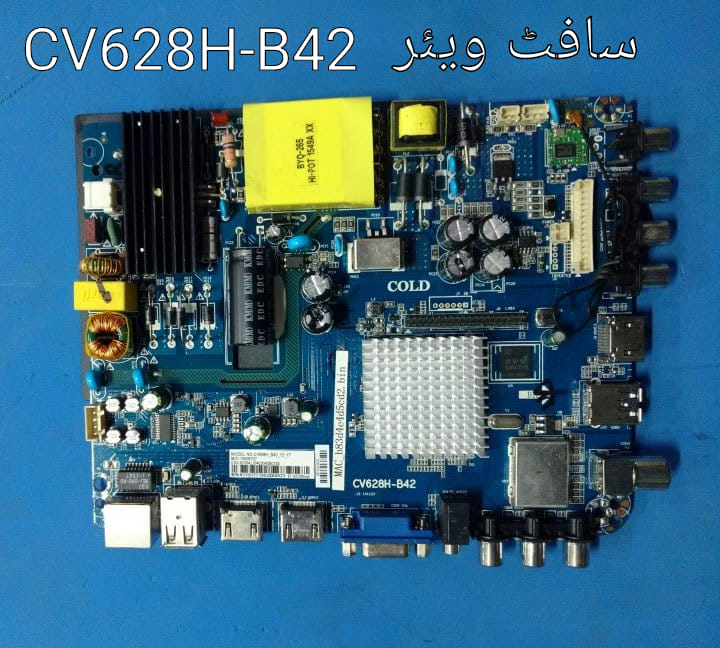
- Chassis & Motherboard: They typically use the MT56B-AP chassis (often associated with motherboard part numbers like 40-MT56B2-MAB2HG). This motherboard integrates the smart TV functions, power management, and tuner into one unit.
- Smart Functions: Includes built-in Wi-Fi and supports basic internet applications like Netflix, YouTube, and Amazon Prime Video.
- Audio: Equipped with two-channel speakers supported by Dolby Digital Plus for a clear surround sound effect.
Individual Specifications
- TCL L55D2740:
- Screen Size: 55 inches ($140 \text{ cm}$).
- Contrast: Features a “Mega Contrast” ratio for deeper blacks.
- Viewing Angle: Standard 178° viewing angle, making it suitable for large living rooms.
- TCL L48D2730:
- Screen Size: 48 inches ($122 \text{ cm}$).
- Connectivity: Typically includes 3 HDMI ports and 1 to 2 USB ports for playing local media files.
- Availability: As these are legacy models, they are often found as second-hand units or listed as “out of stock” at major retailers like Amazon and Kanbkam. [1, 2]
Technical Troubleshooting
Because these models share the same internal architecture, they often face similar software issues like being stuck on the boot logo.
- Firmware Recovery: If the TV doesn’t start, you may need to search for a specific firmware
.binor.pkgfile for the MT56B-AP chassis to perform a USB recovery. - Service Menu: Technical settings can be accessed by pressing the following sequence on the remote: “Menu + 1147” or “Input + 2580”.
- Manuals: You can find safety guides and setup instructions on the official TCL support site.
Would you like to find the specific firmware for one of these models to fix a boot issue, or are you looking for a replacement remote control?

Leave a Reply